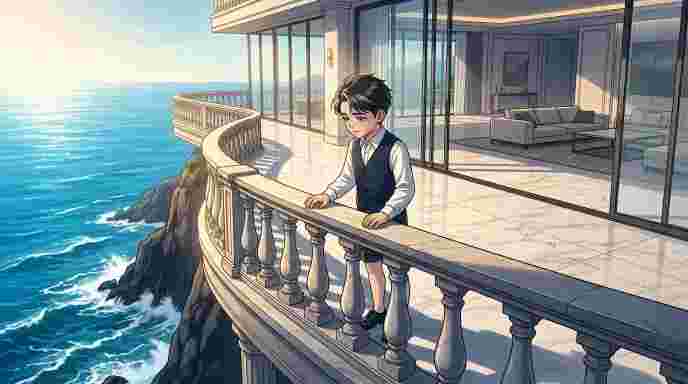
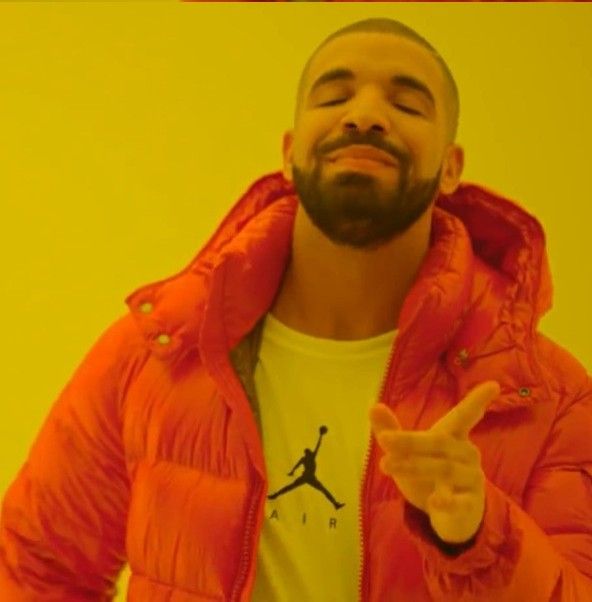
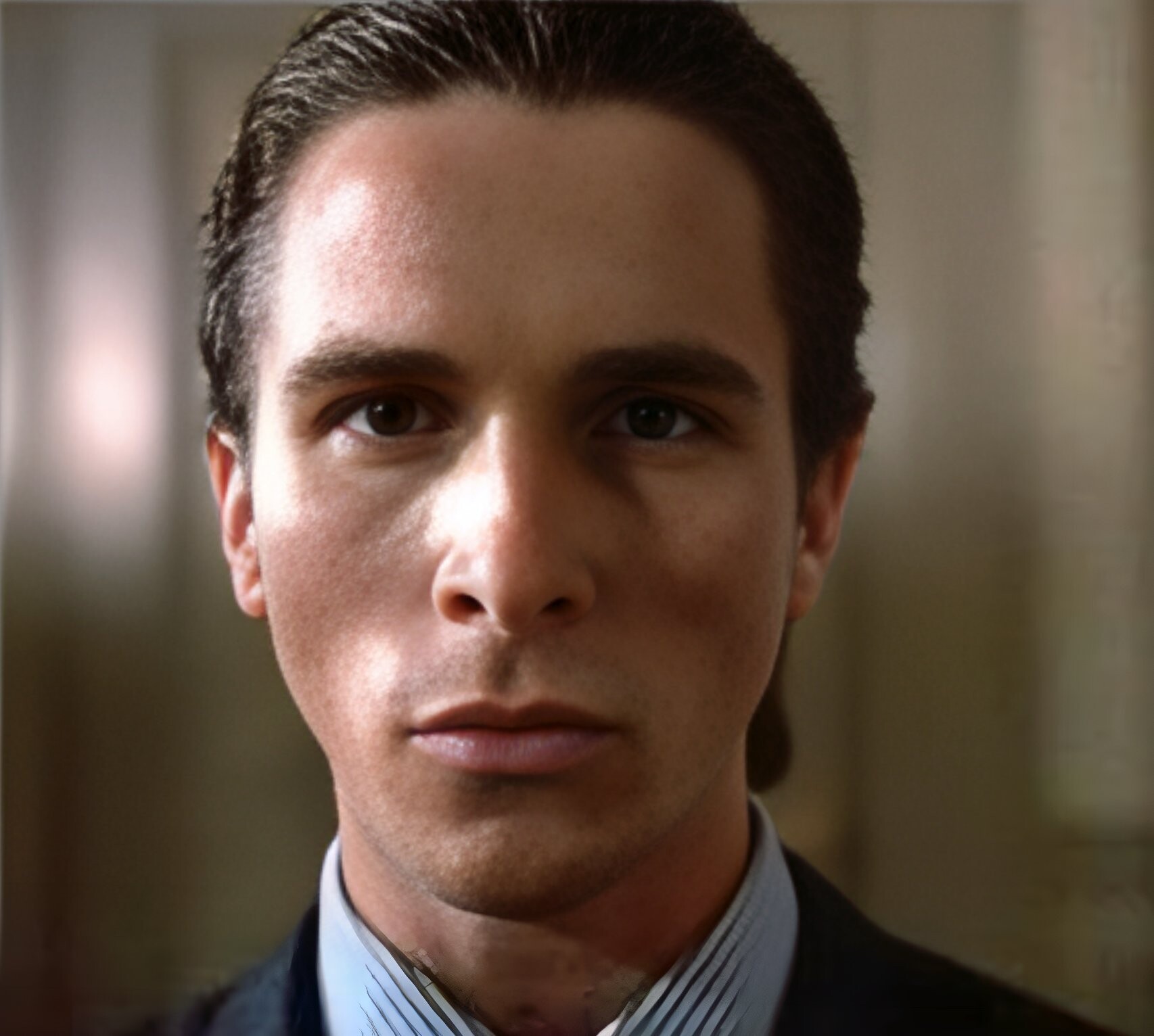
Blurry
Low Res
High Res
4x Enhanced
Blurry
Low Res
High Res
4x Enhanced

AI Image Upscaler

Enhance and enlarge your photos 4x with cutting-edge AI super-resolution. Turn blurry memories into crystal clear masterpieces!

Privacy Note: By clicking "Upscale Image", your image will be securely processed by our AI and deleted immediately after.

0%
AI is generating your image...
See it in Action!

Original (Hover to Zoom)

Original sample 1

Upscaled (Hover to Zoom)

Upscaled sample 1

Original (Hover to Zoom)

Original sample 2

Upscaled (Hover to Zoom)

Upscaled sample 2

Original (Hover to Zoom)

Original sample 3

Upscaled (Hover to Zoom)

Upscaled sample 3

Original (Hover to Zoom)

Original sample 4

Upscaled (Hover to Zoom)

Upscaled sample 4
Quick Answer: The Atechabad AI Image Upscaler is a free online tool that uses advanced machine learning to enlarge your photos by 400% (4x) without losing quality. Simply upload your JPG, PNG, or WEBP file, and our AI will reconstruct missing details to produce a crisp, high-resolution image instantly. No account or payment is required.
How to Upscale Images for Free

Enlarge and enhance your photos in three simple steps.
 

1. Upload Your Image

Drag and drop your low-resolution photo (JPG, PNG, or WEBP) into the upload box. Ensure the file is under 15MB and less than 4 megapixels.

2. Process with AI

Click "Upscale Image". Our super-resolution AI analyzes your photo and intelligently adds pixels to enlarge it by 400% while maintaining sharpness.

3. Compare & Download

Use the interactive slider and magnifier to compare the original and upscaled versions, then download your high-resolution image to your device!

Why Use Our AI Upscaler?

100% Free

No subscriptions, no hidden fees, and absolutely no watermarks on your downloaded images.

Secure & Private

Your images are processed securely and never stored permanently or used to train AI models.

Lightning Fast

Powered by enterprise-grade infrastructure, your images are magically upscaled in seconds!

Frequently Asked Questions
Unlike traditional resizing which makes images blurry or pixelated, AI upscaling uses machine learning models trained on millions of high-resolution images to predict and generate the missing details, resulting in a crisp, clear enlargement.
While our AI excels at enhancing photos, textures, and illustrations, extremely blurry text may not be perfectly reconstructed, as the AI might misinterpret the characters.
Our tool is free to use, but to ensure fair access for everyone, we have a reasonable rate limit of 10 uploads per minute per user. You can upscale to your heart's content!
Yes, completely. Your images are securely transmitted for the sole purpose of upscaling and are deleted immediately afterward. They are never published, shared, or used to train external AI models.

Why Does Upscaling Sometimes Fail?

The image resolution is too high Our AI upscaler works best on images under 4 megapixels. Very large images (like 4K posters or composite grids) may exceed the processing limit. Try cropping or resizing your image first.
Inappropriate or explicit content Images containing nudity, sexually explicit material, or graphic violence are automatically blocked by our AI provider and cannot be processed.
Content involving minors in sensitive contexts Images that may depict minors in inappropriate or ambiguous contexts are flagged and rejected by the AI for safety and compliance reasons.
Unusual image format or color profile Some images with non-standard color profiles (CMYK, HDR), transparency layers, or unusual aspect ratios may not be compatible with the upscaler.
What should I do? Simply try a different image. Standard photos, illustrations, and artwork in JPG, PNG or WEBP format with a resolution under 4MP work best.

Your Upscaled Image

Compare the original with the 4x AI upscaled version

Original Upscaled
Original Upscaled

Original (Hover to Zoom)

Original

Upscaled (Hover to Zoom)

Upscaled

Your Cart

Your cart is empty

Item added to cart!