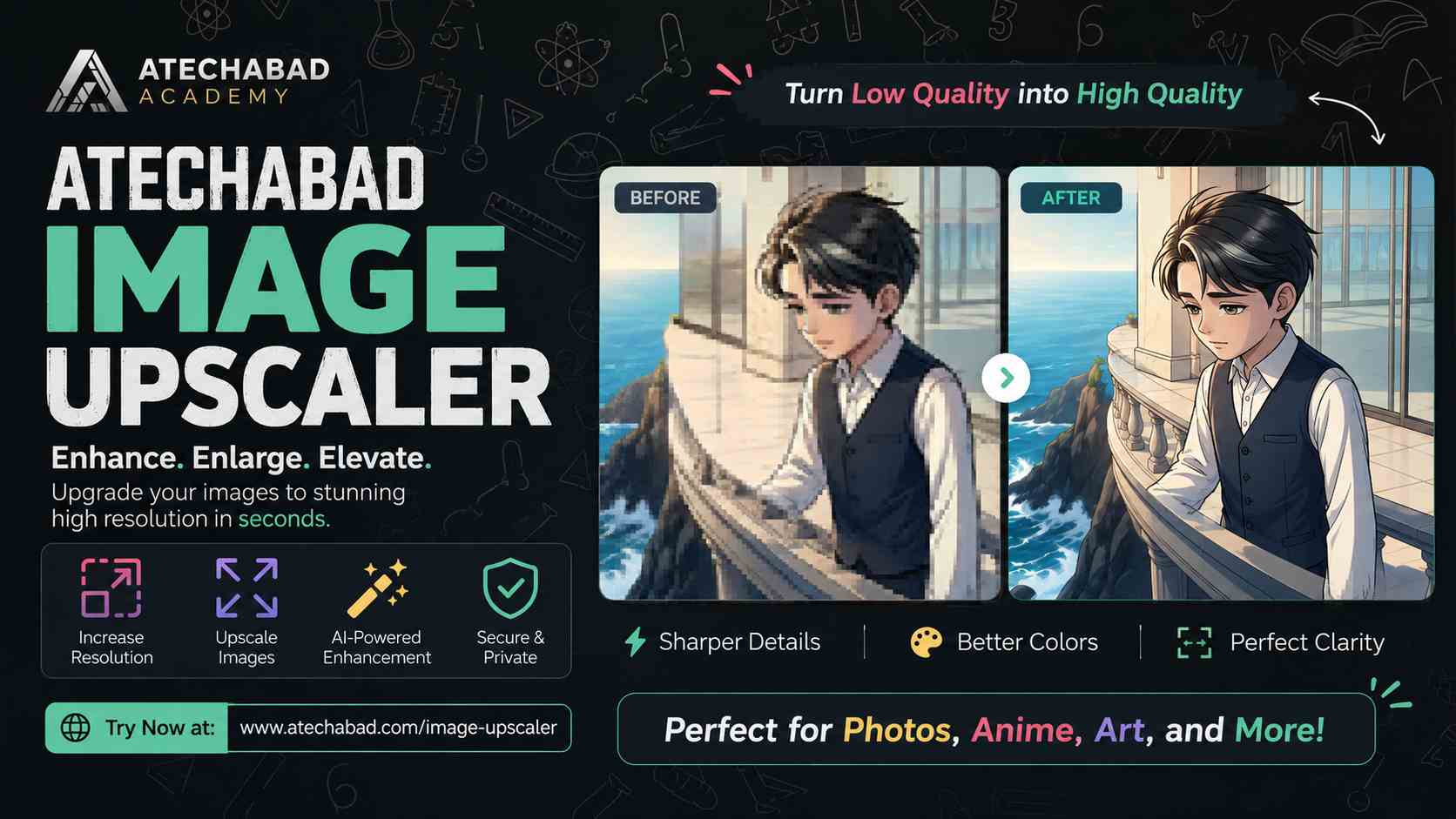
Finding a fast, free way to enlarge a photo without turning it into a blurry mess used to mean digging through paid software or shady websites. Atechabad's Image Upscaler fixes that — it's a browser-based AI tool that increases your image resolution while keeping edges sharp and details intact, and it's completely free to use.
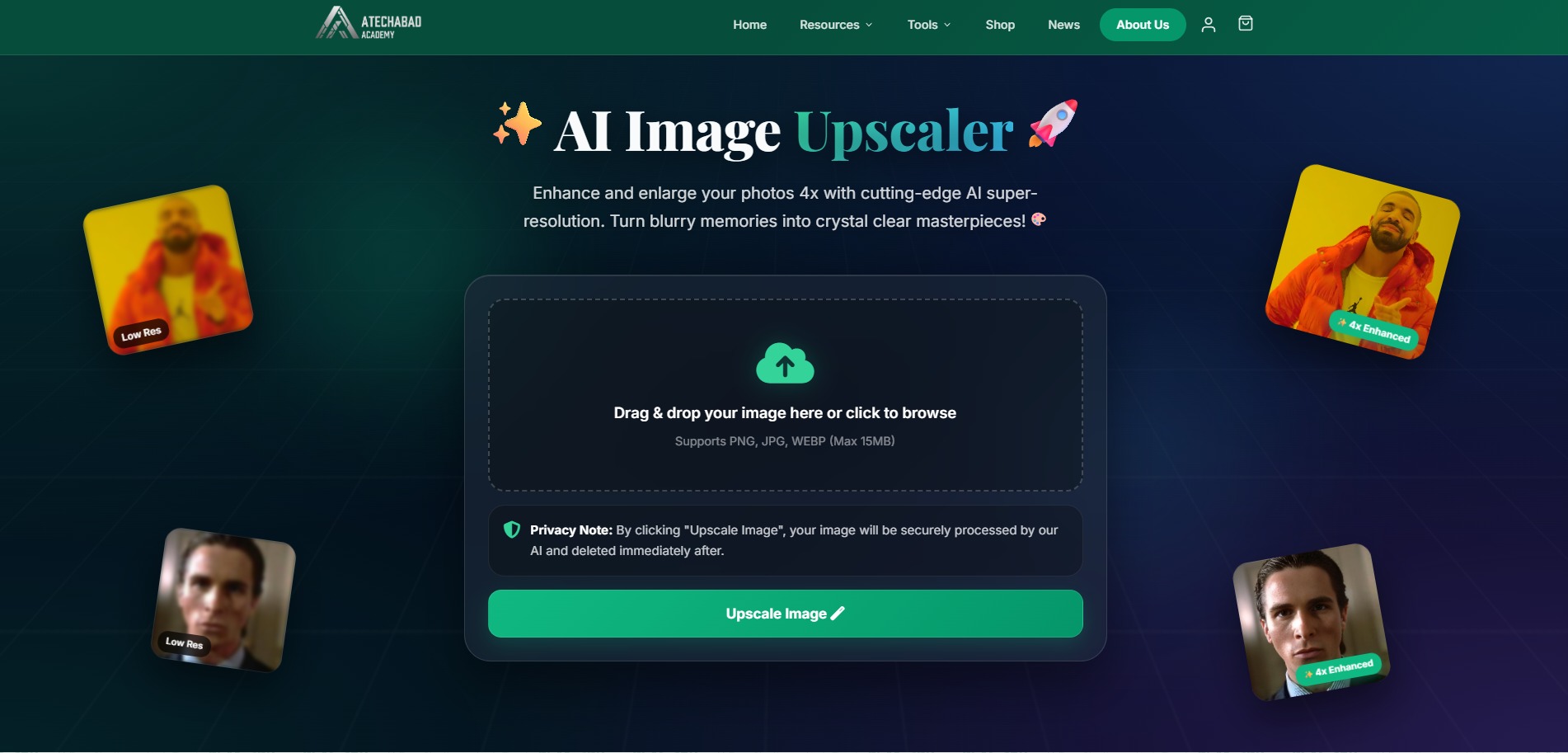
The Atechabad Image Upscaler landing page — drag, drop, and let the AI do the rest.
What Makes It Different
Instead of just stretching pixels (which is what a basic "resize" does), the AI model analyzes the shapes, edges, and contrast in your photo, then intelligently reconstructs the missing detail. The result is a larger image that still looks natural — not soft, not blocky.
"Whether it's an old family photo, a product shot, or digital artwork — you can enlarge it without losing the quality that made it worth keeping."
Key Features
- 4x AI super-resolution enhancement
- Drag-and-drop upload — no sign-up required
- Supports PNG, JPG, and WebP up to 15MB
- Images are securely processed and deleted immediately after upscaling
- Works right in your browser — no software to install
Who It's For
The tool is especially handy for students working on presentations and projects, small businesses prepping product photos, and anyone restoring old or low-resolution family pictures. It's part of a growing set of free tools on Atechabad, including image resizing, format conversion, and PDF tools — all built with the same goal: giving people useful software without paywalls.
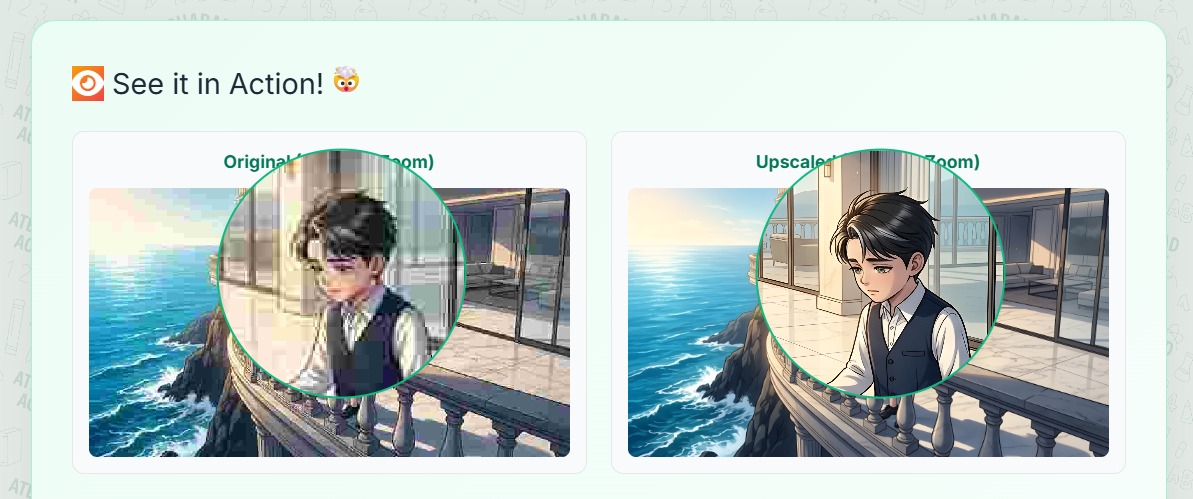
Zoomed-in comparison: the pixelated original (left) versus the AI-upscaled result (right).
Have a blurry photo lying around? Head over to the Atechabad Image Upscaler and see the difference for yourself — it takes seconds and costs nothing.
 Facebook
 Twitter
 LinkedIn