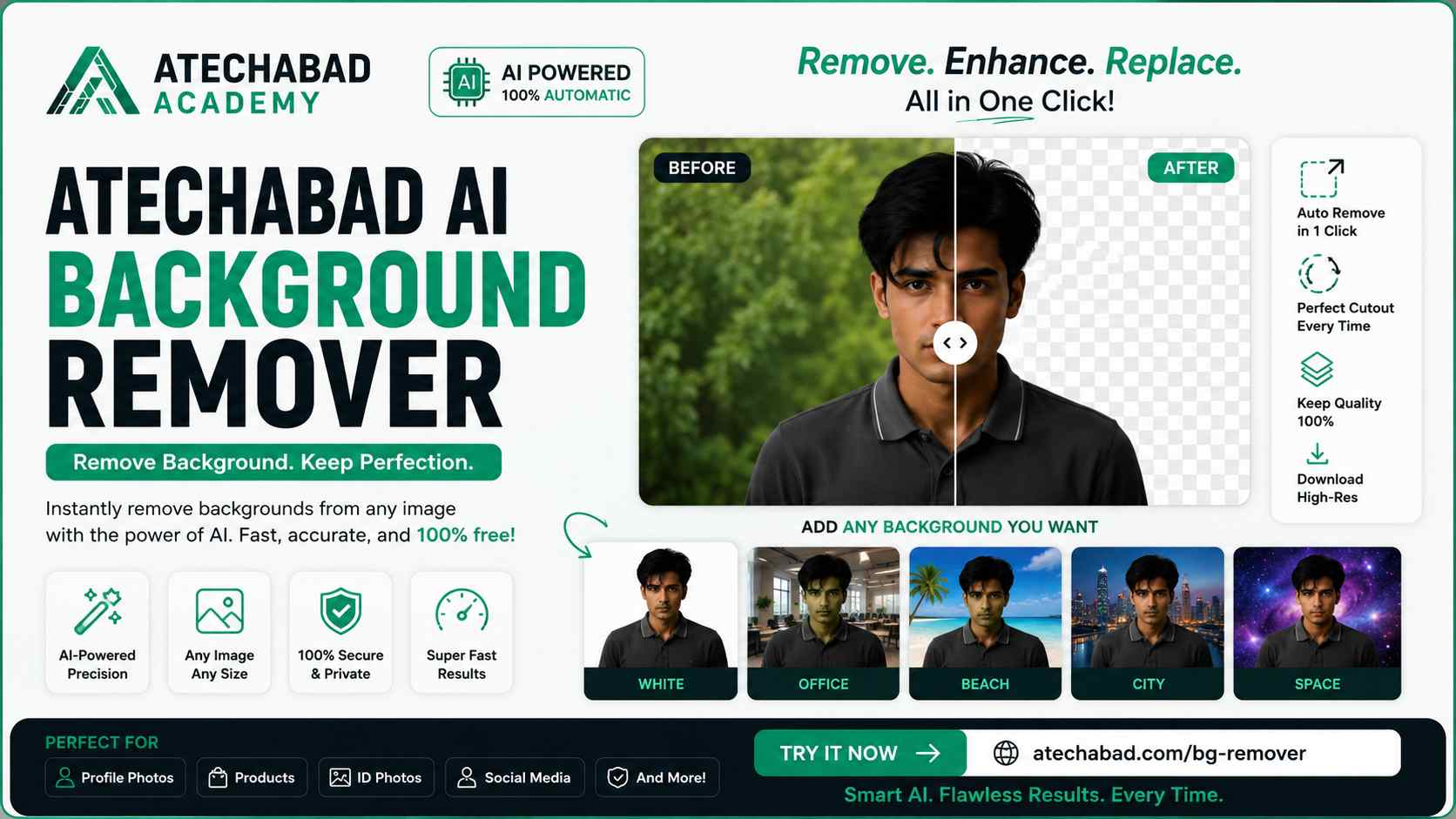
Cutting out a background used to mean opening Photoshop, fiddling with the magic wand tool, and still ending up with jagged edges around every strand of hair. Atechabad's AI Background Remover does the whole job in seconds — upload a photo, and the background disappears instantly, ready to be swapped for a solid color, a scene, or removed entirely. No design experience, no software installs, and no cost.
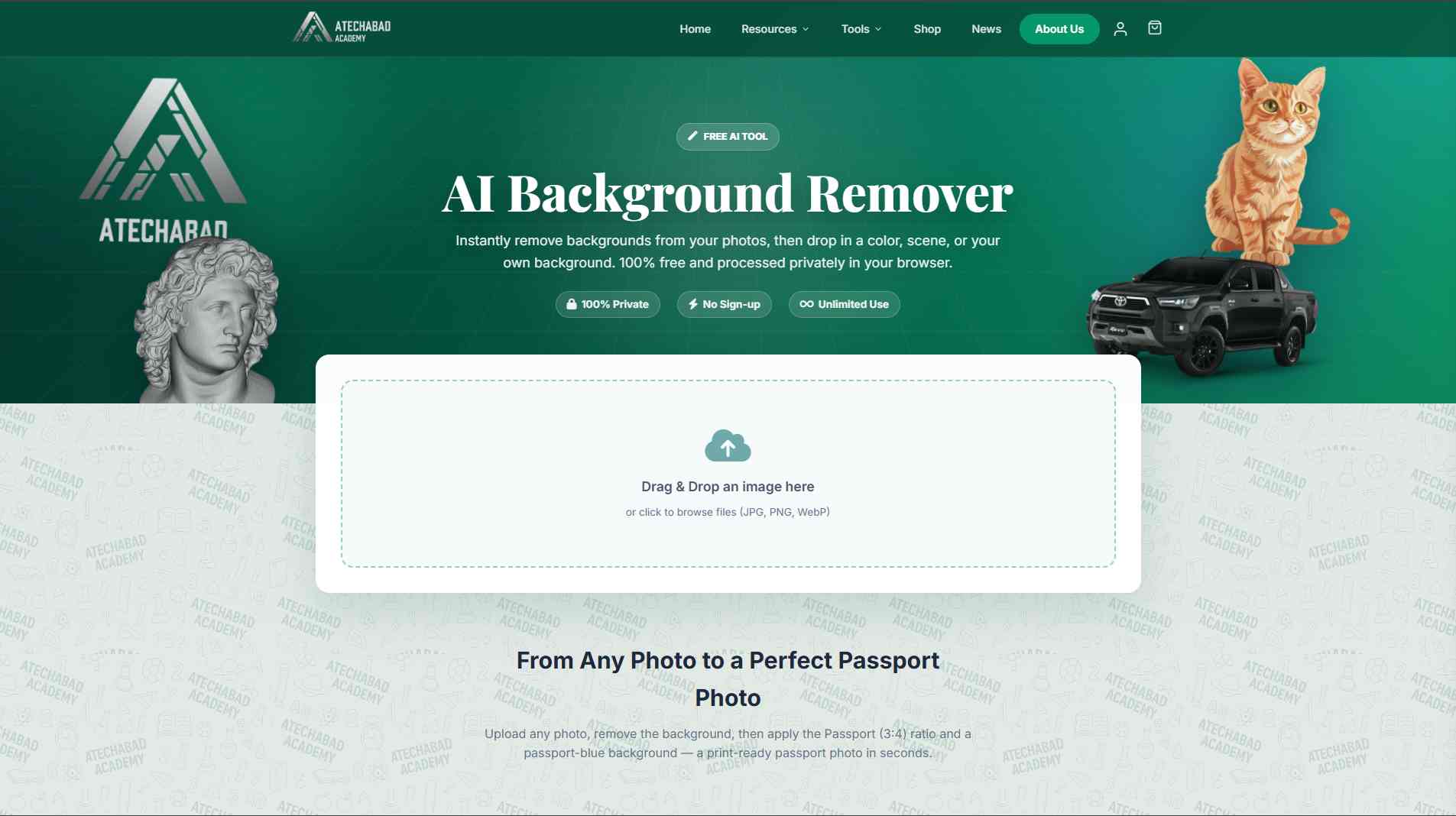
The Atechabad AI Background Remover — drag, drop, and the background is gone.
How It Works
The process is built around three simple steps, and there's nothing to learn:
- Upload — drag and drop a JPG, PNG, or WebP file, or click to browse from your device.
- Let the AI do its thing — the tool detects the subject and cleanly separates it from the background, handling tricky edges like hair, fur, and fine details far better than manual selection tools.
- Choose your new background — keep it transparent, drop in a solid color, pick a scene, or apply the passport-blue preset for ID photos. Then download the result instantly.
From Any Photo to a Perfect Passport Photo
One of the standout features is built-in passport photo formatting. Upload any picture, remove the background, and the tool automatically applies the correct 3:4 passport ratio with a passport-blue backdrop — turning a casual photo into a print-ready ID photo in seconds. That's a task that would normally mean a trip to a photo studio, and Atechabad has folded it into a single click.
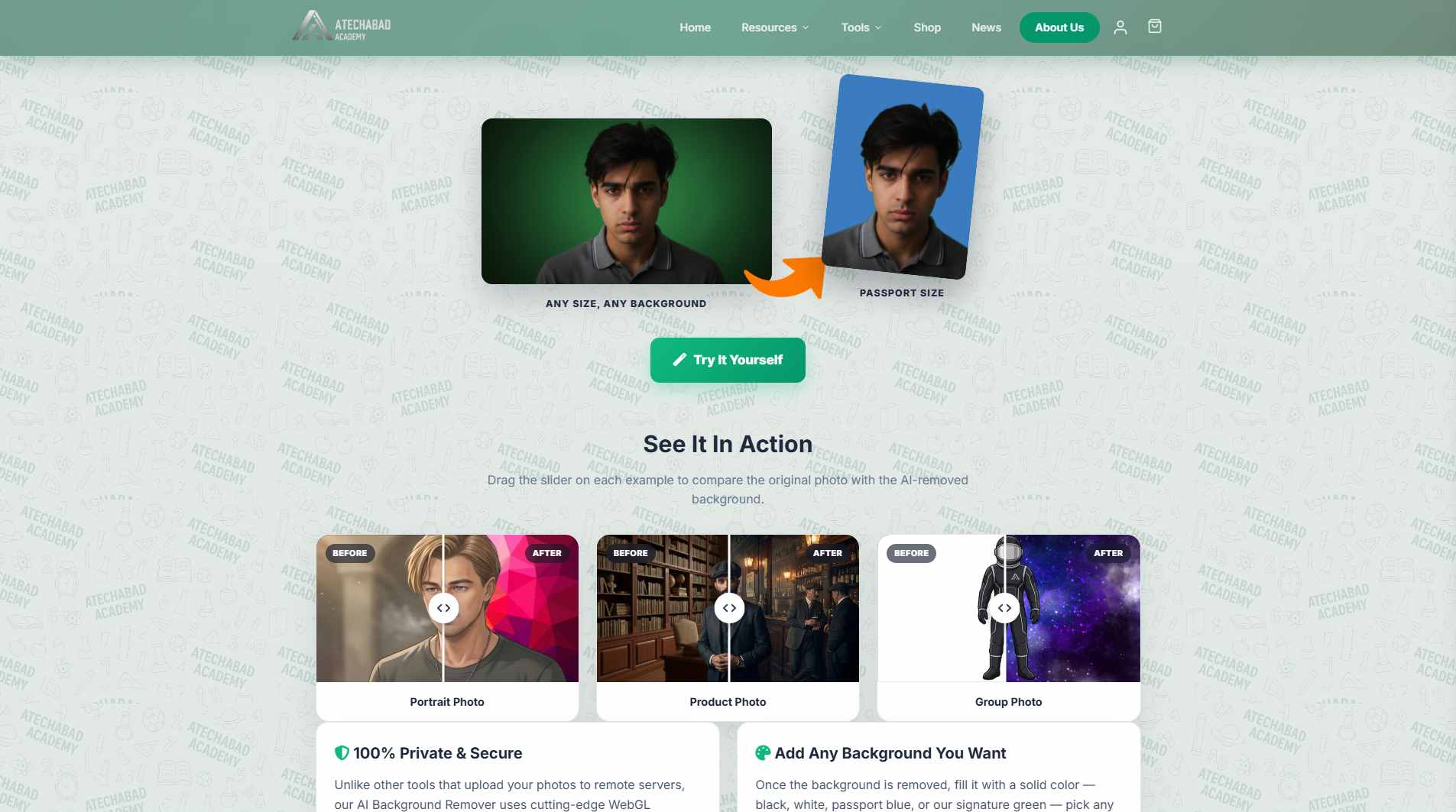
Real results across portraits, product shots, and group photos — drag the slider to compare before and after.
"Unlike other tools that upload your photos to remote servers, our AI Background Remover uses cutting-edge WebGL technology to process everything locally in your browser."
That local-processing detail matters more than it might seem. Most background removers quietly send your photo to a server, process it there, and send it back — meaning a copy of your image sits on someone else's infrastructure, even if briefly. Atechabad's approach keeps everything on your device, so nothing ever leaves your browser.
Key Features
- 100% private — photos are processed locally in your browser via WebGL, never uploaded to a server
- No sign-up and unlimited use, completely free
- Supports JPG, PNG, and WebP
- Swap in a solid color, custom scene, or passport-blue background after removal
- Built-in passport photo mode with correct 3:4 ratio
- Works great on portraits, product photos, and group shots
- Instant preview with a before/after slider so you can check the result before downloading
Real-World Use Cases
Because it handles such a wide range of photo types cleanly, the tool ends up useful in more situations than you'd expect:
- Passport & ID photos: Skip the studio and generate a compliant photo from any decent selfie.
- E-commerce listings: Give product photos a clean, consistent white or branded background to look more professional on marketplaces.
- Resumes & LinkedIn: Swap a cluttered or casual photo background for something neutral and professional.
- Group photos: Isolate people from busy or distracting backgrounds for posters, yearbooks, or event graphics.
- Design & content creation: Pull a subject out of its original photo to reuse in thumbnails, presentations, or social posts.
Why Not Just Use Photoshop?
Traditional editing tools can absolutely remove a background — but it takes time, skill with selection tools, and usually a paid subscription. Atechabad's remover trades that manual effort for an AI model trained specifically to detect subjects and edges, so what used to take 10–15 minutes of careful masking now takes about 10 seconds, with no learning curve and no monthly fee.
Who It's For
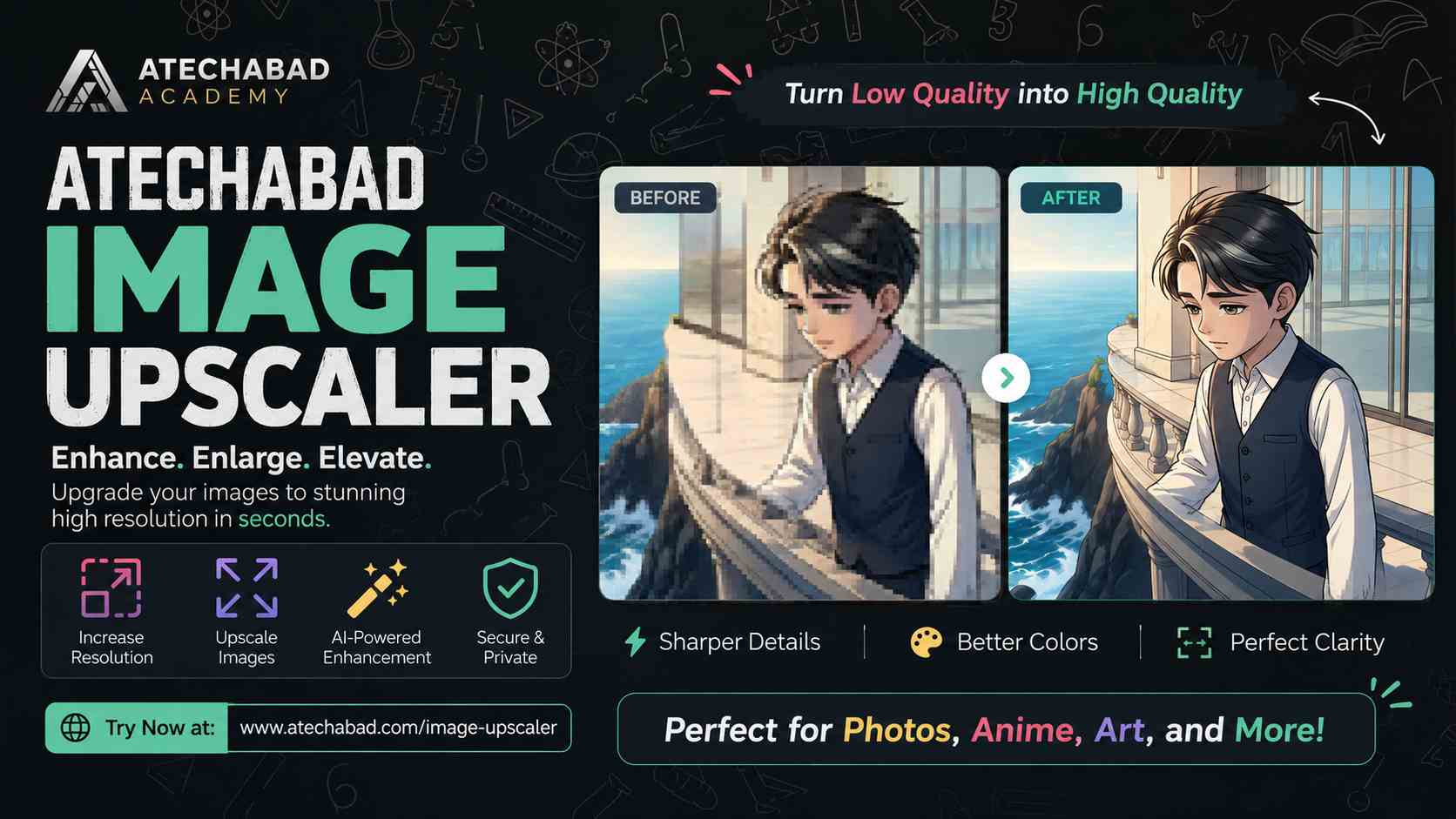
Perfect for anyone who needs a quick passport or ID photo without visiting a studio, sellers who want clean product shots for online listings, students building presentations or portfolios, and anyone putting together portraits or group photos for a resume, website, or social post. It joins Atechabad's growing lineup of free AI tools — including the Image Upscaler — all built to give people useful software without paywalls or privacy trade-offs.
Frequently Asked Questions
Is it really free? Yes — there's no sign-up, no watermark, and no usage limit.
Are my photos safe? Since the processing happens locally in your browser via WebGL, your images are never uploaded to a server.
Can I use it for official passport photos? The tool applies the standard 3:4 passport ratio and blue background, but always double-check your country's specific photo requirements before submitting.
What file types are supported? JPG, PNG, and WebP.
Got a photo that needs a new background — or just a plain one? Head over to the Atechabad AI Background Remover and see it done in seconds.
 Facebook
 Twitter
 LinkedIn